How to find the photos of one trip
Your photos sit in one long timeline, and the trip you want is somewhere in it. That is easy when you remember the month and the place, and hard when a trip spans several places or you only remember “the one with the octopus”. Here are the quick ways, and a way to make the next trip easy to find.
In your gallery app
- Search by place. Google Photos and most galleries search by place name, but only if the location was saved with the photos (check the location tag option in your camera settings).
- Search by date. Scroll the timeline to the month, or search for the month and the year.
- When you have found the photos, select them and put them into an album named after the trip, so you do not have to search again.
This works for a trip to one place. For a trip with several stops, or for photos without location, it takes more scrolling.
With Snapisodes
- Switch the gallery to episodes Open the gallery and tap “By episode”. Each trip is one block with its name, dates and number of photos.
- Or use the search Type the trip name, or a word from a comment, into the search field. It looks through episode names and comments.
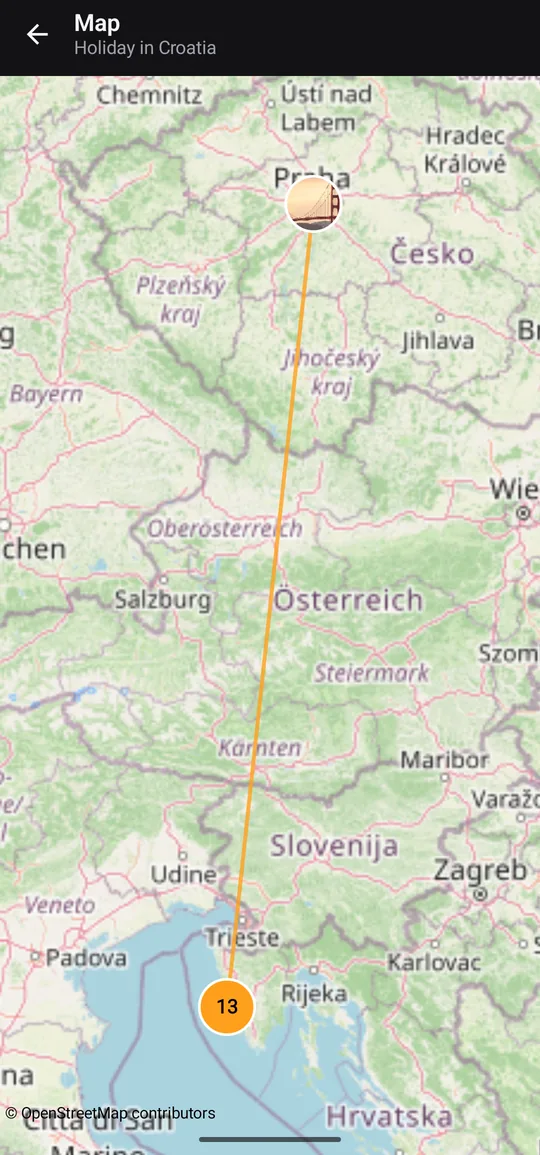
- Look at the map Open the map of the episode to see where its photos were taken and the route of the trip. This needs location saved in the photos.
- File old photos into an episode For a trip from before you used the app, pick a day or a period in the gallery and put those photos into a new episode. From then on the trip is one tap away.
- Share it Send the whole episode with its comments in one tap, or turn it into a story.
So it is easy next time
Start an episode before the trip and you will never need to search for it: the trip is already one block. Add a few words to the photos you care about, and you can find them by those words too. After the 14-day trial the free version covers 3 new episodes a month. There is no account and there are no ads.

Make your next trip easy to find
14 days of Pro free, no account, no ads.